Document Types
Create brochures, flyers, infographics, magazines, mockups, posters, slides, and social layouts from a clear project brief.


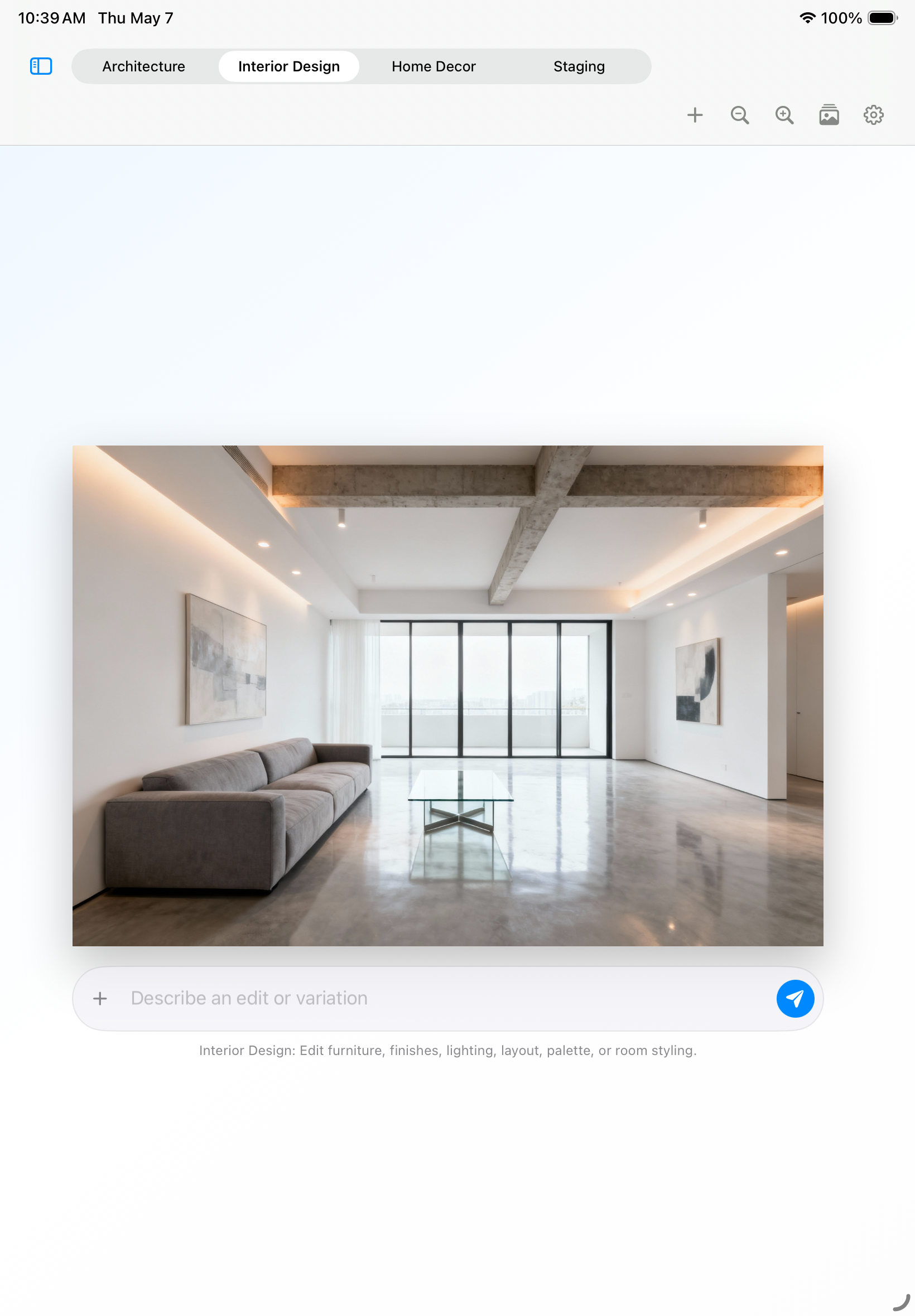
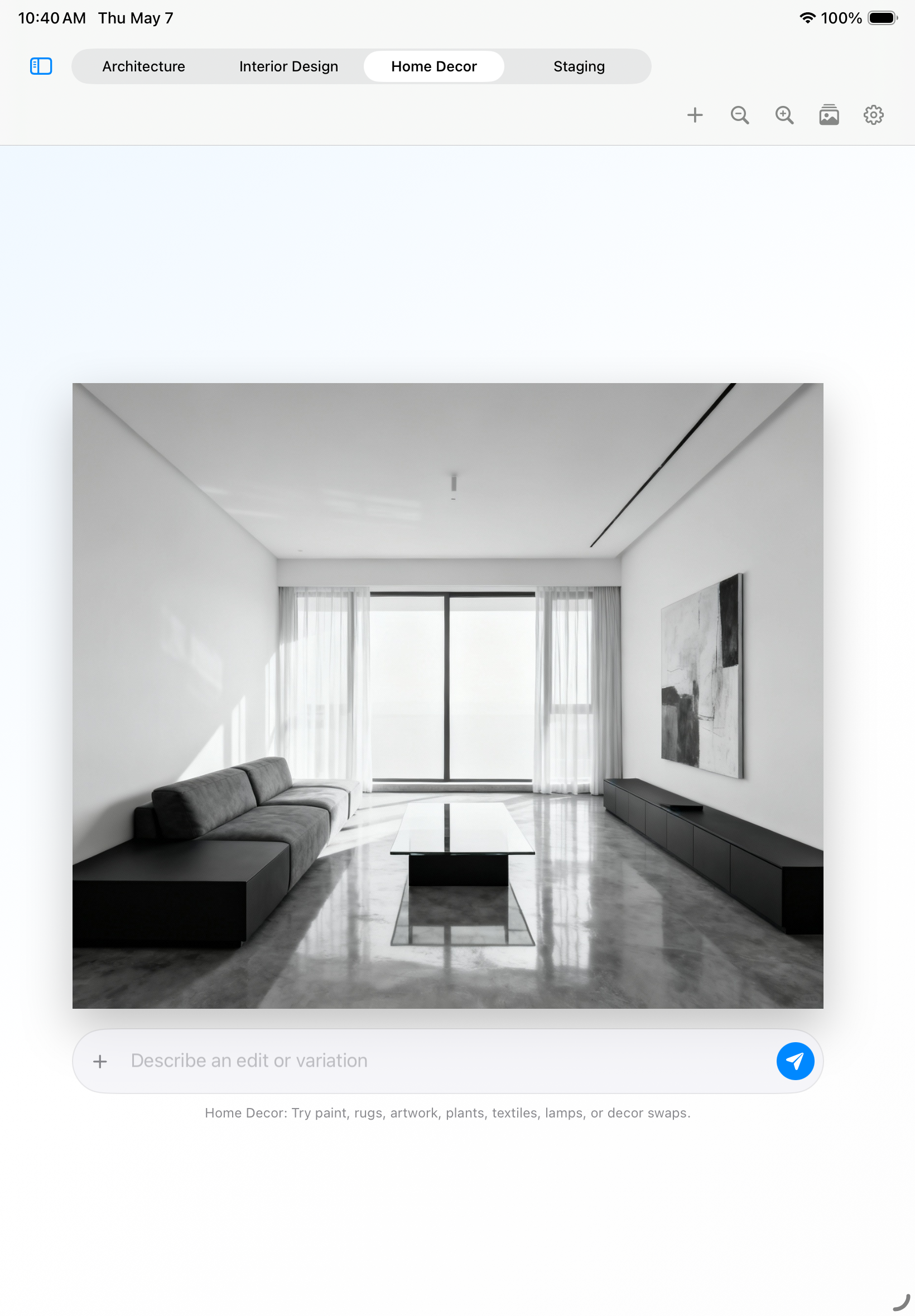
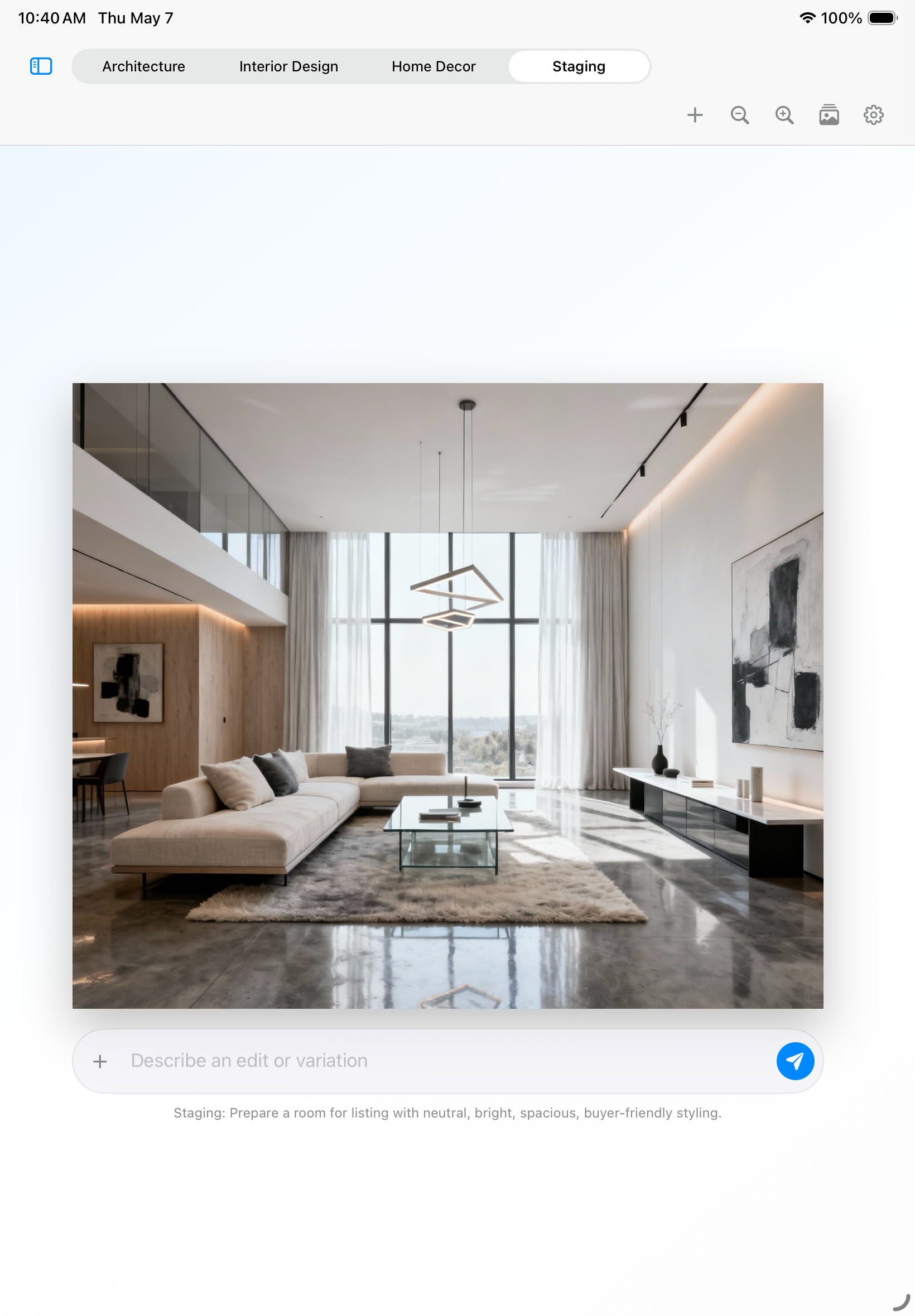
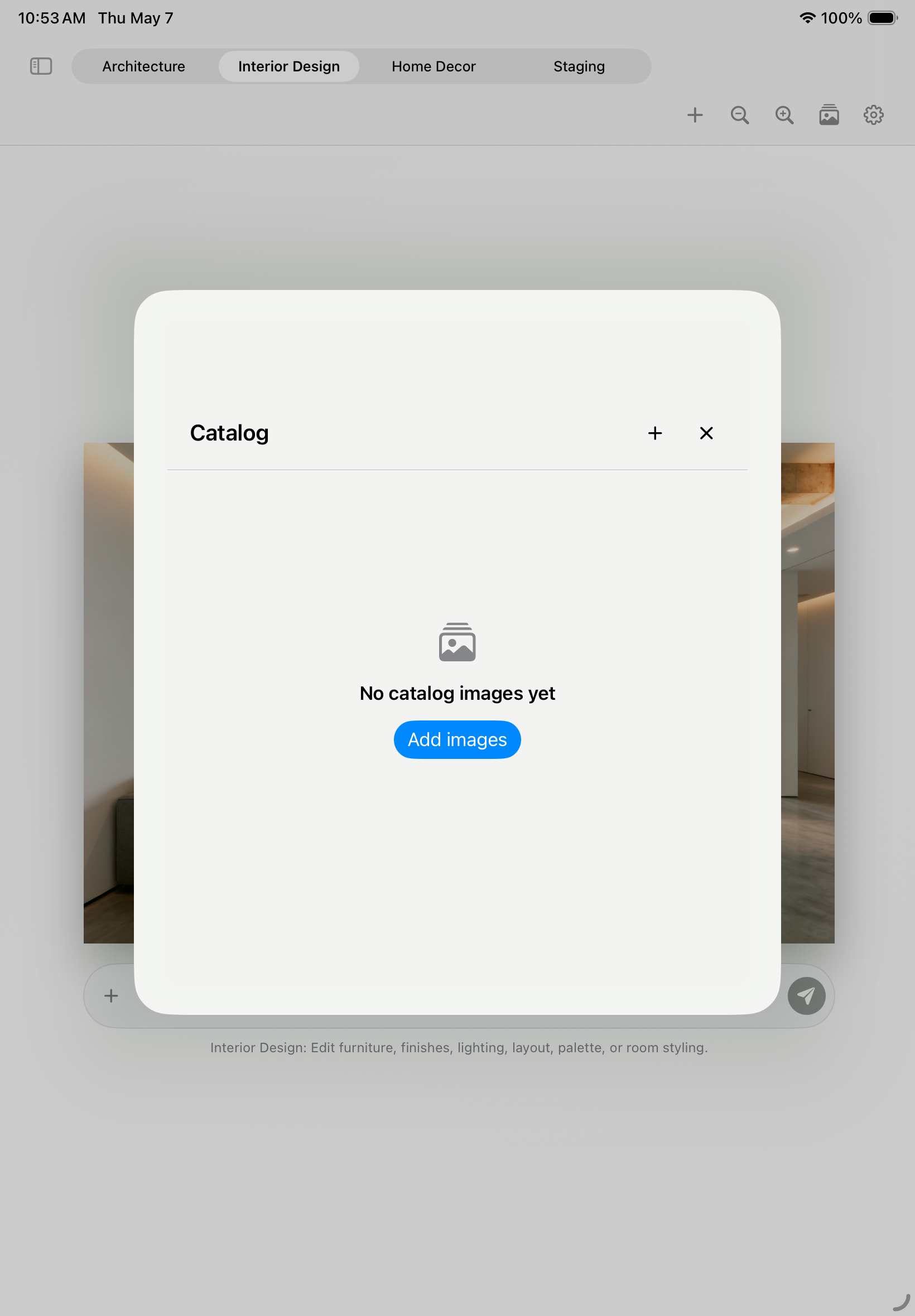
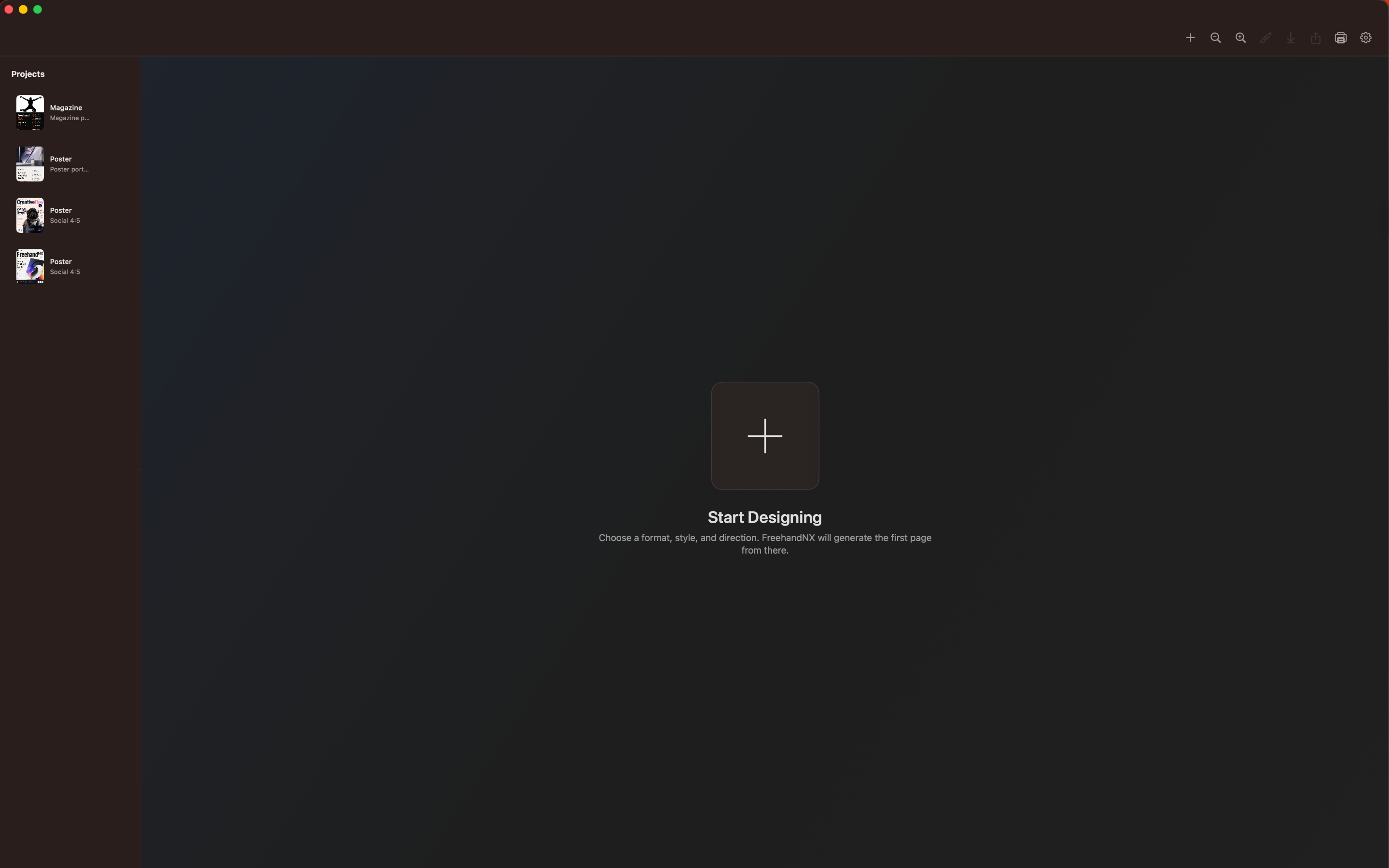
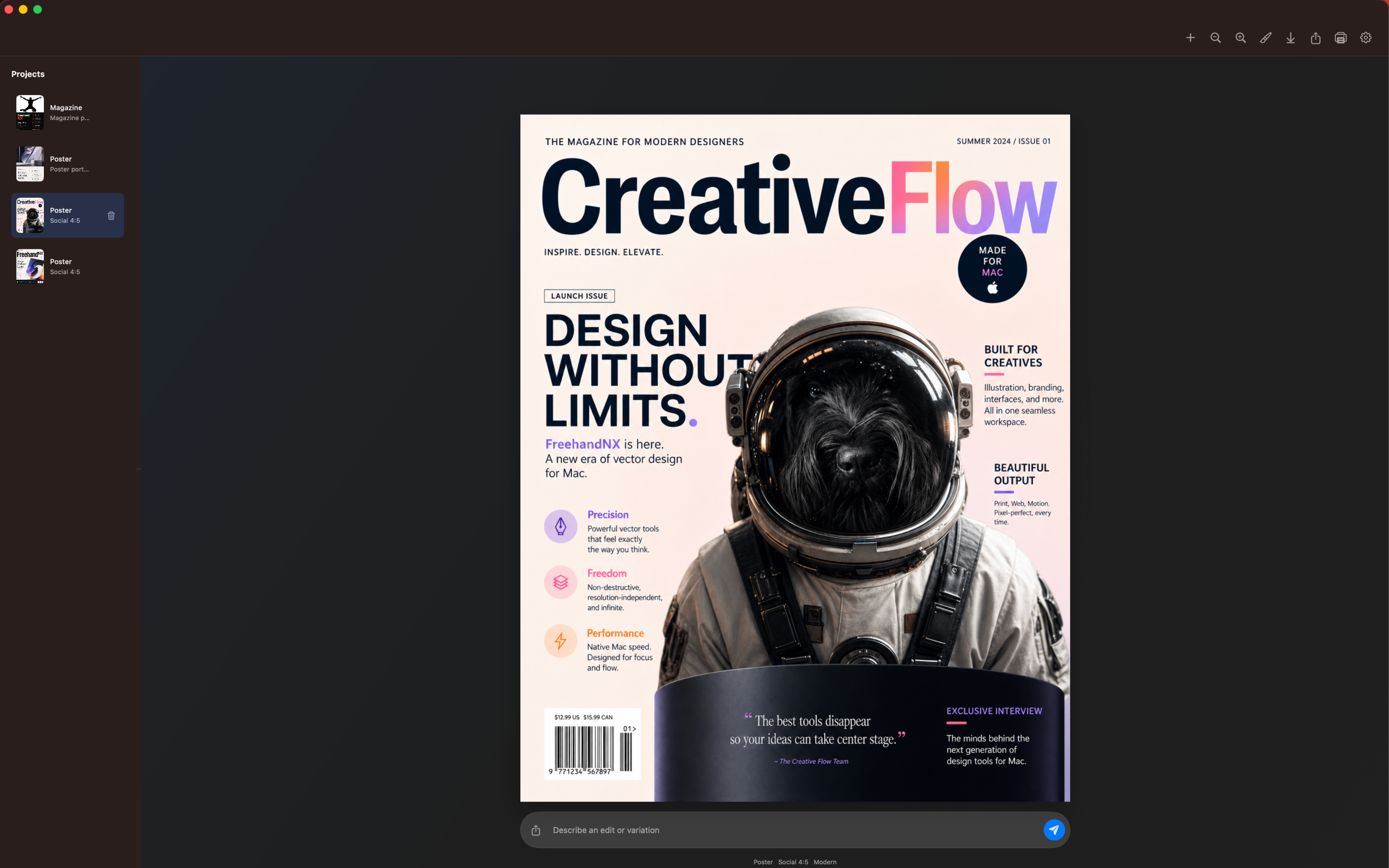
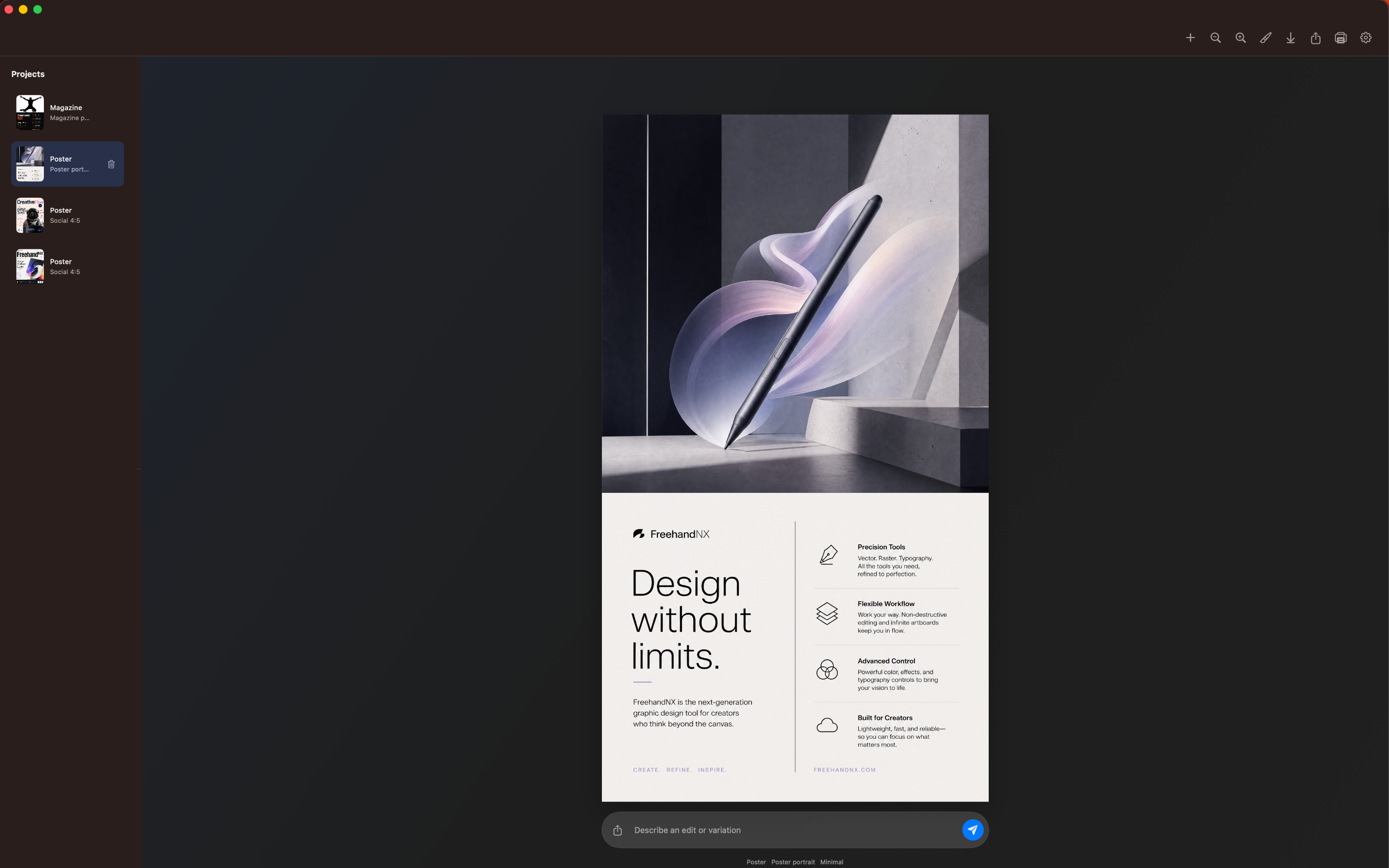
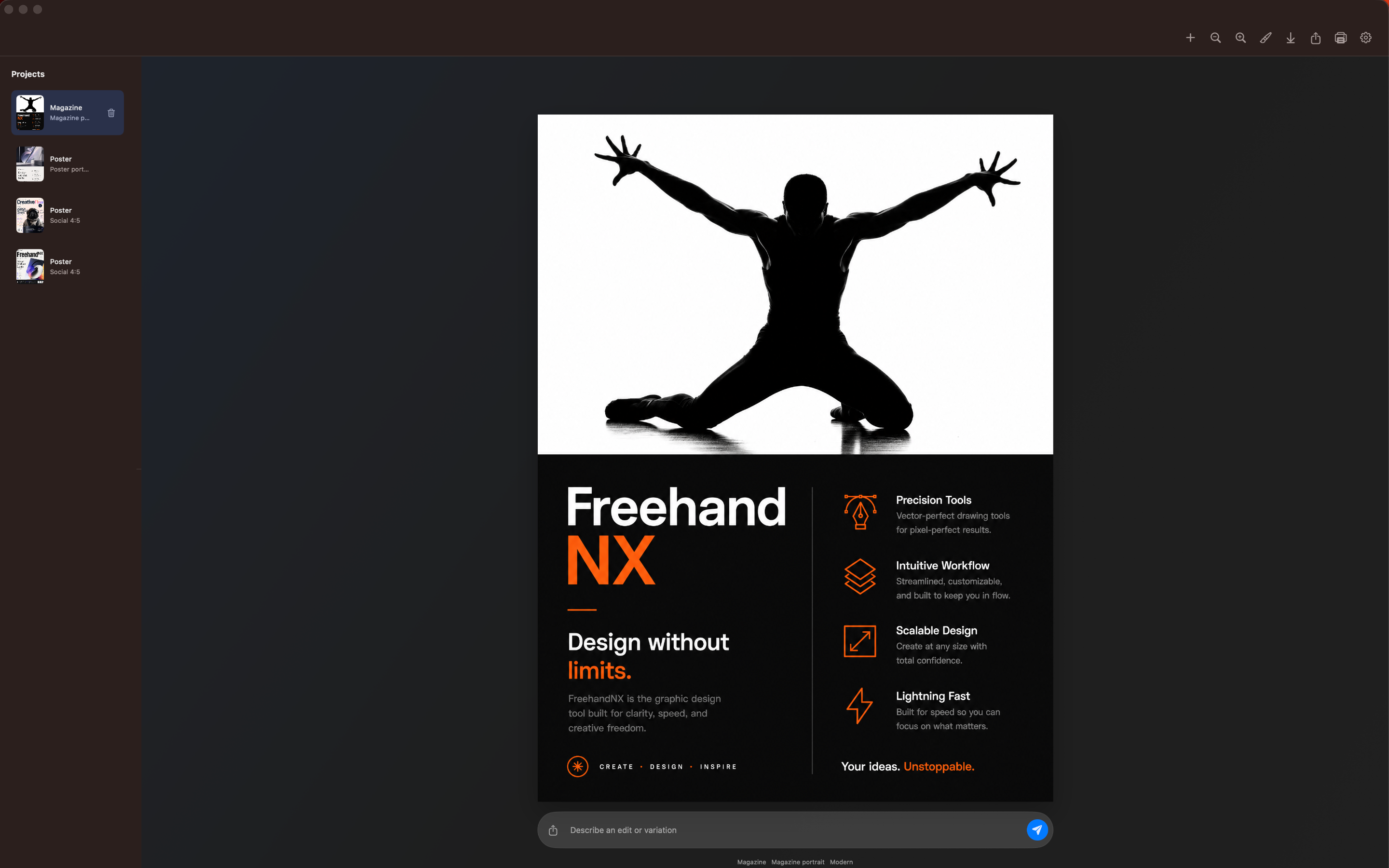
On your Mac, FreehandNX gives you a focused project workspace for generated pages, prompt revisions, brush edits, reference images, downloading, sharing, and printing.
Create brochures, flyers, infographics, magazines, mockups, posters, slides, and social layouts from a clear project brief.
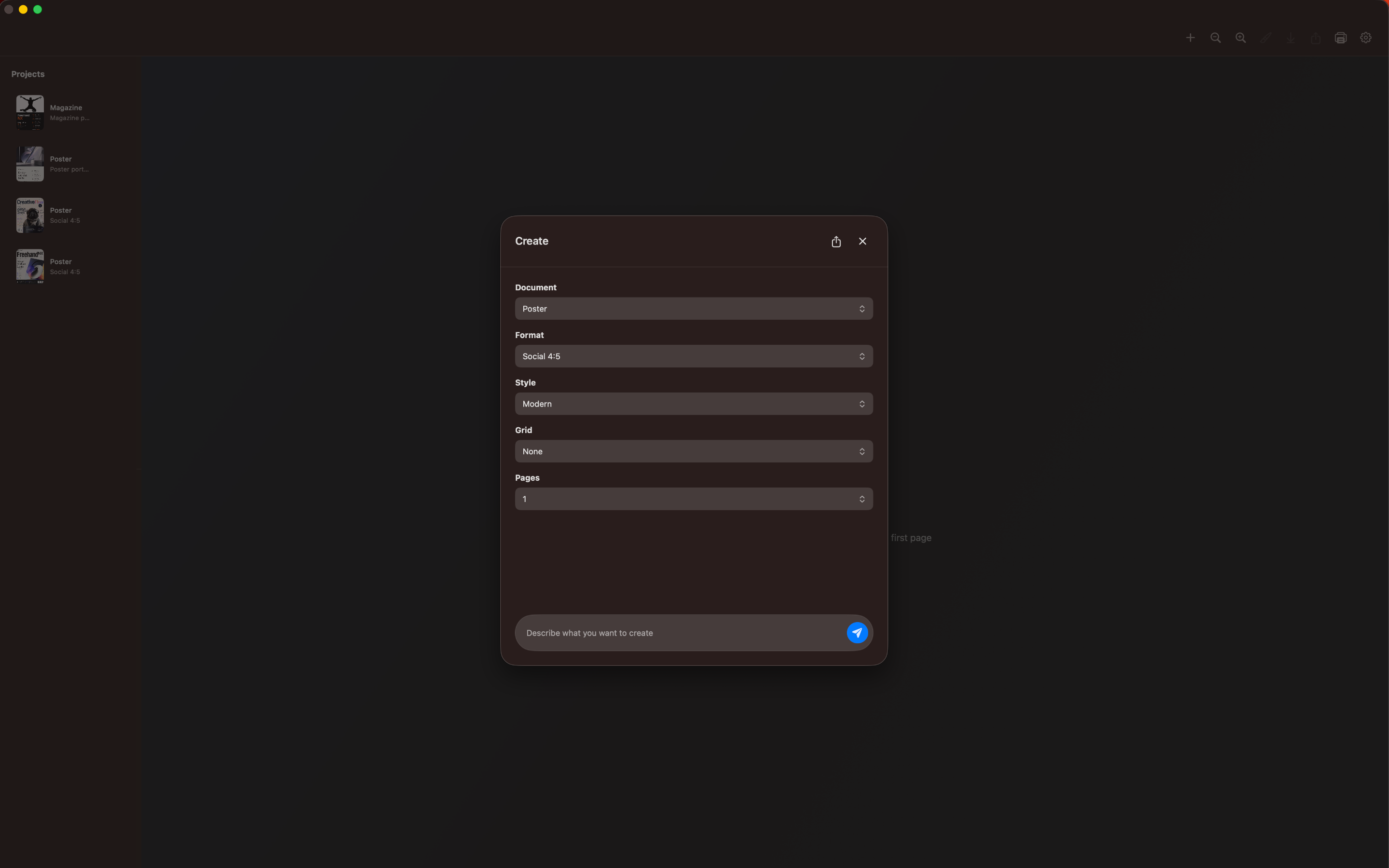
Choose sizes for web, tablet, phone, social, story, wide, letter, magazine, poster, and cinematic layouts before generation begins.
Shape the look with directions such as editorial, minimal, Swiss, typographic, bold, luxury, Bauhaus, cinematic, retro, and more.
Guide composition with rule-of-thirds, modular, baseline, golden-ratio, and column-based grids when the layout needs more structure.
Pick the document type, output format, visual style, grid system, and number of pages you want to create.
Write a prompt and add optional guide images when you want the generation to follow a specific subject, reference, mood, or visual cue.
Revise a page with another prompt, upload a reference image, brush the area you want changed, then download, share, or print the final page.
Keep generated pages and drafts in a visible project rail so recent work stays close while you review, revise, or delete pages.
Brush the exact area you want to change, describe the revision, and preserve the rest of the page as much as possible.
Ask for edits or variations directly below the selected page without leaving the native workspace.
Upload guide images when a page or revision needs to follow a specific visual source.
Save the selected page as a PNG from the app when the design is ready to use elsewhere.
Send the selected page through the native share flow for quick review or handoff.
Print the current page from macOS when you want to review a layout away from the screen.
Available for iPad and macOS.